





Written By Binoy Anto. On Wednesday, 21 Jul, 2021 11:03pm.
Work from home, a term we hear everyday now, may be blessing for some who loves to enjoy the home environment and to complete your tasks at your own pace or to enjoy the no traffic jam scene, we may face lot of challenges when we need to get into the working mode..
If you are one of those who Works From Home [WFH]for most your office hours during this time, we have some suggestions on how to enjoy the work from home with minimal spend. Most who work from home, have more flexibility on how they handle the work environment, than when you are in formals in your office.
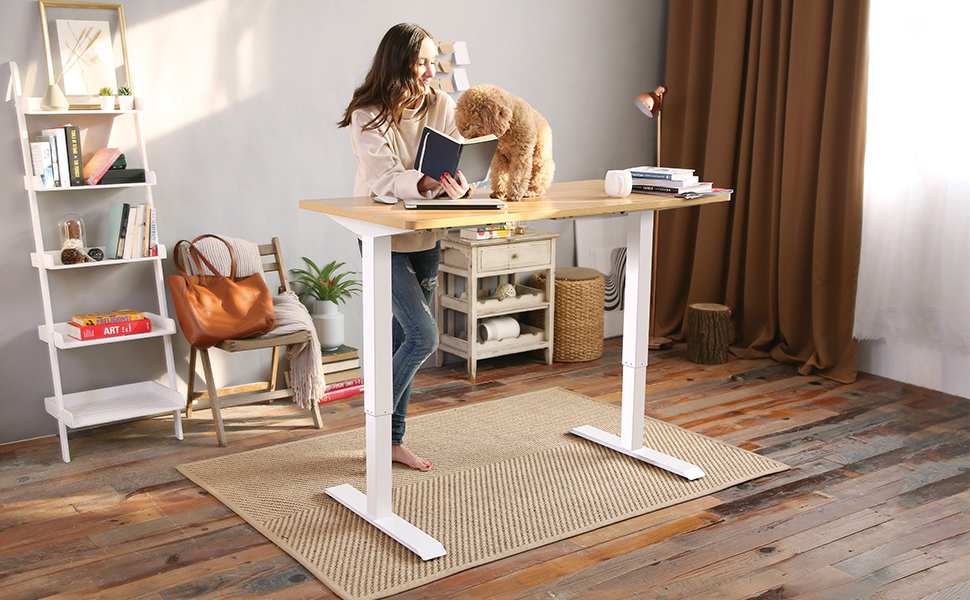
Following some of the good practices will help you to be able to concentrate more on work with comfort and also to keep your healthy life style. Organising things in clean and minimal way, easy to access and easy to move is best suited here.
Organised in a clean minimal way
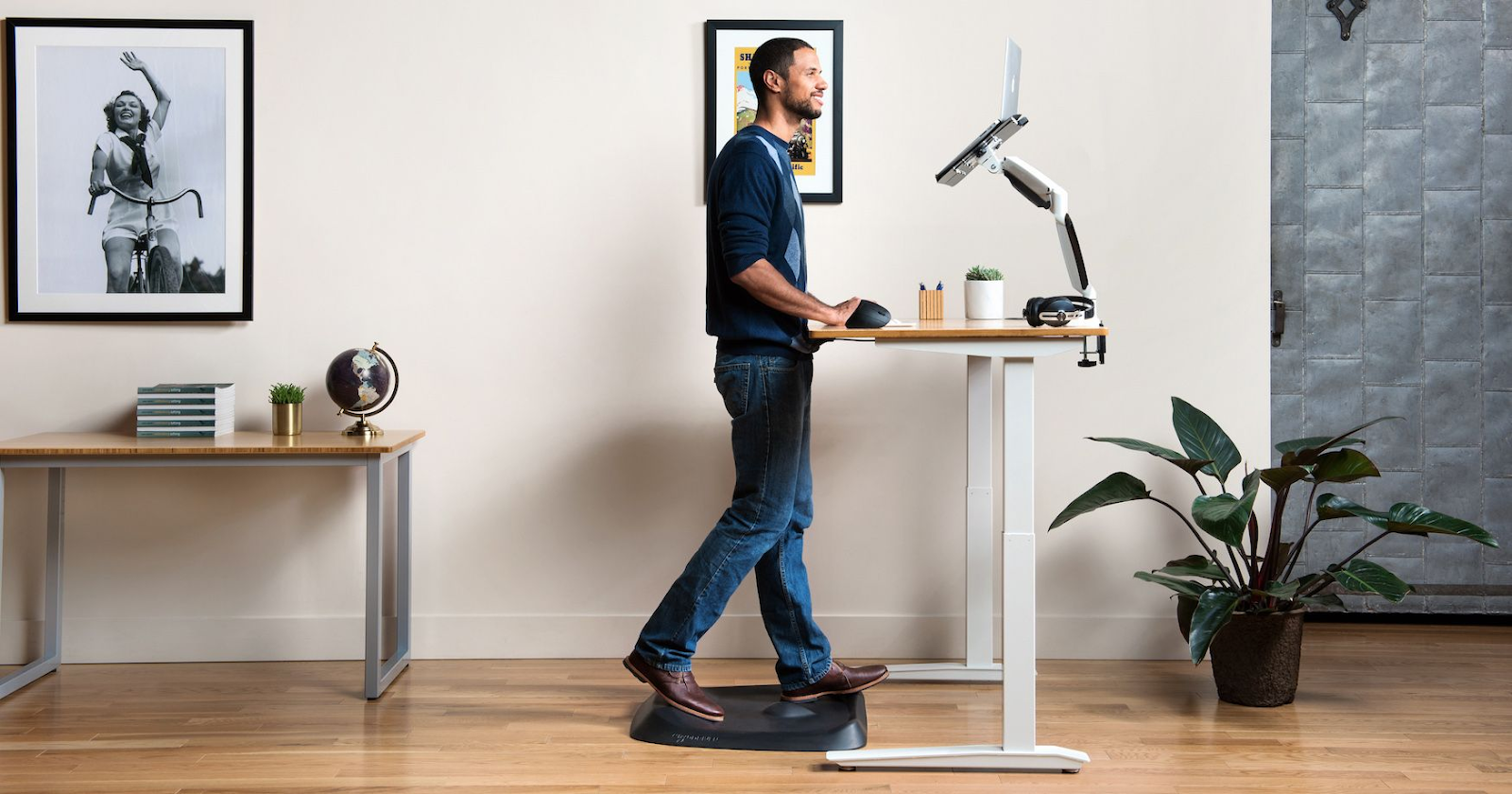
First thing, to make sure is you find the best enjoyable space in your home, where you can continue with your privacy and also with comfort, with enough natural light & ventilation. This gives you more confidence and also helps your mind prepared to be back to work, after a short break.
Keeping it minimal and easy to clean will help you in using the desk ready for everyday use with a simple wipe or cleaning. Make sure you have a organiser with pen/pencil/eraser and other items for scribbling anything easily during your conference calls or meetings.
1. SIT STAND DESKS
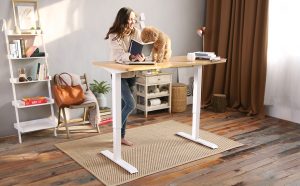
Most of those who work from home will be using their laptops as a primary work tool, along with your mobile. First thing we bring here to our Work from Home setup also is a Work Desk for placing your Laptop/Desktop setup along with your portable device(s). If space allows it is always better to select a desk of Width 55″(140cm)/ Depth of 16″(40cm). We highly recommend, to use a Sit /Stand desk for long term Computer /PC usage. As per health experts standing Lowers Your Risk of Weight Gain and Obesity It also helps to Reduce Blood Sugar Levels, Reduce Back Pain and more. There are many models available at market in Sit/Standing desks, some have ability to adjust different levels of height automatically, with displays with memory for positions and some you have to manually adjust the height. We have listed some of the models without priority.
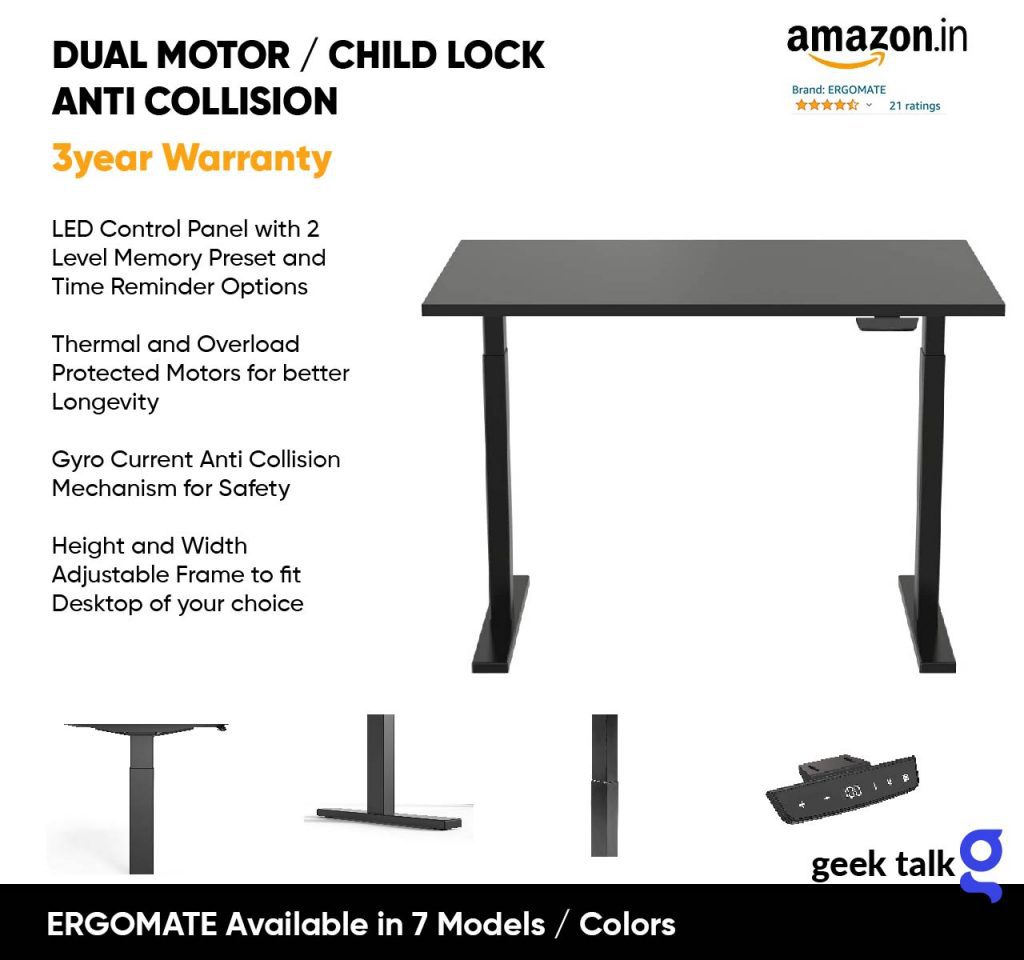
ERGOMATE Height Adjustable Sit & Stand 1200x600mm Desk (Dual Motor)
ERGOMATE Height Adjustable Sit & Stand 1200x600mm Desk (Dual Motor) with Thermal & Protected Motors, 2 Level Memory Preset, Child Lock & Anti Collision Feature-Black Frame & Black Tabletop.
Monarch Elevate Height Adjustable Table Desk
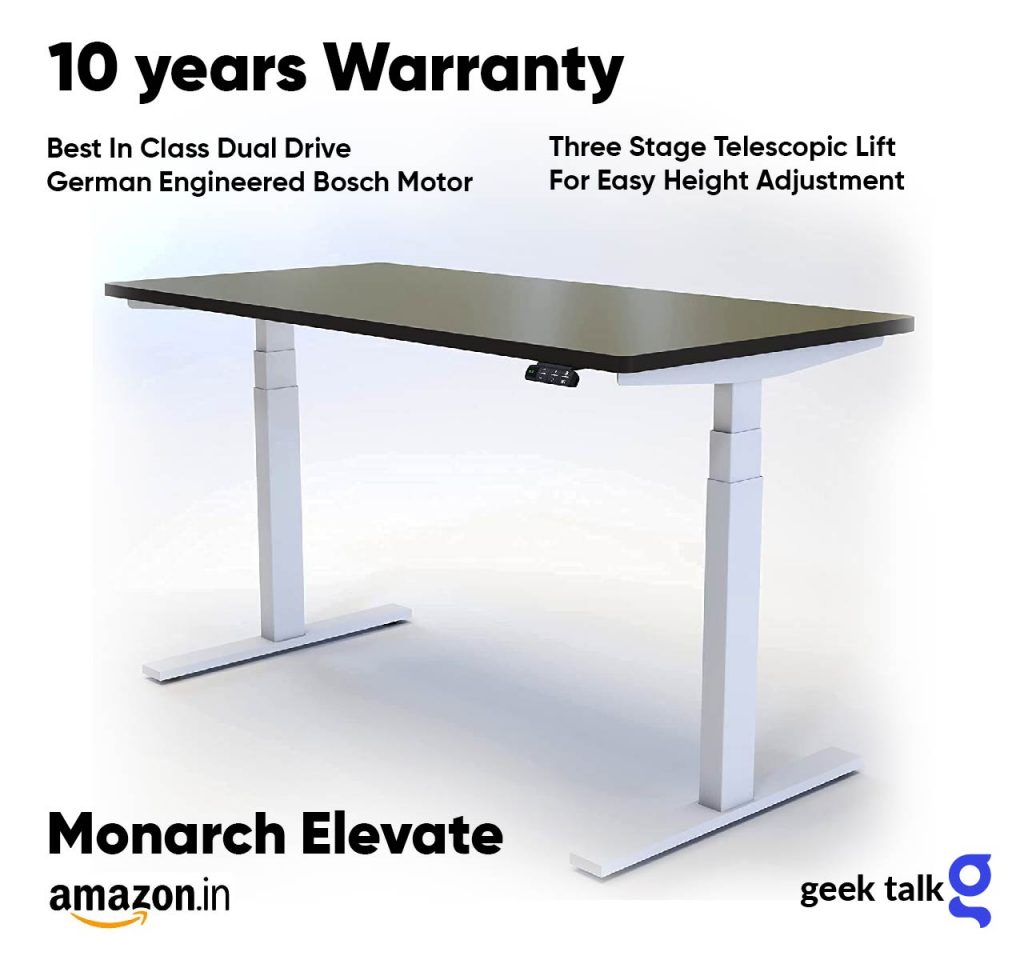
- 10 Year Product Warranty
- Best In Class Dual Drive German Engineered Bosch Motor
- Three Stage Telescopic Lift For Easy Height Adjustment
- Intelligent Digital Display With Preset Memory Options
- Advanced Anti Collision Technology For Safety
- Robust Stability And Load Bearing Capacity 100- 120Kg
Lumi Brateck Height Adjustable Table Desk
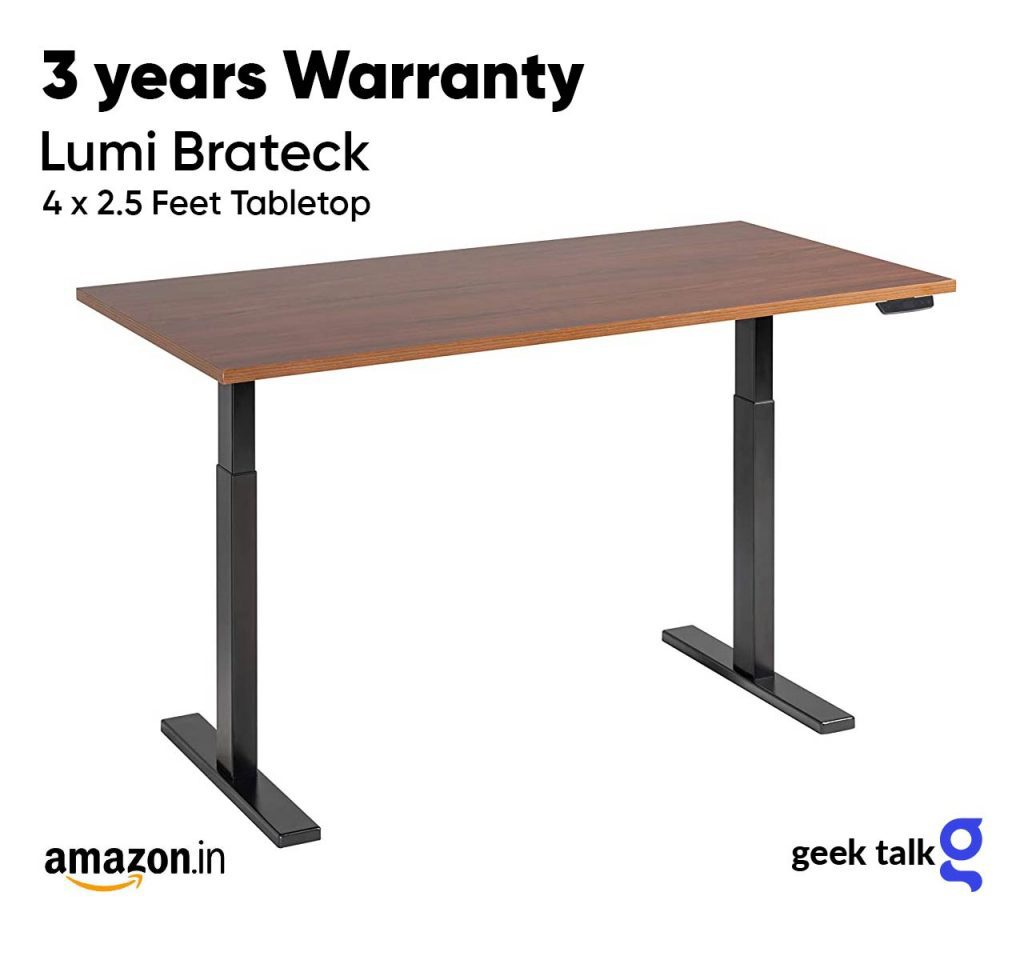
- 3 Years Warranty
- Height Adjustable With Control Panel & Led Display
- Comes with Pre-Laminated Wood Table Top, 25mm thick
- Easy To Assemble
- LUMI is a Major OEM partner and manufacturer of Leading European And American Brands.
Ergo You. Manual, Height-Adjustable Desk
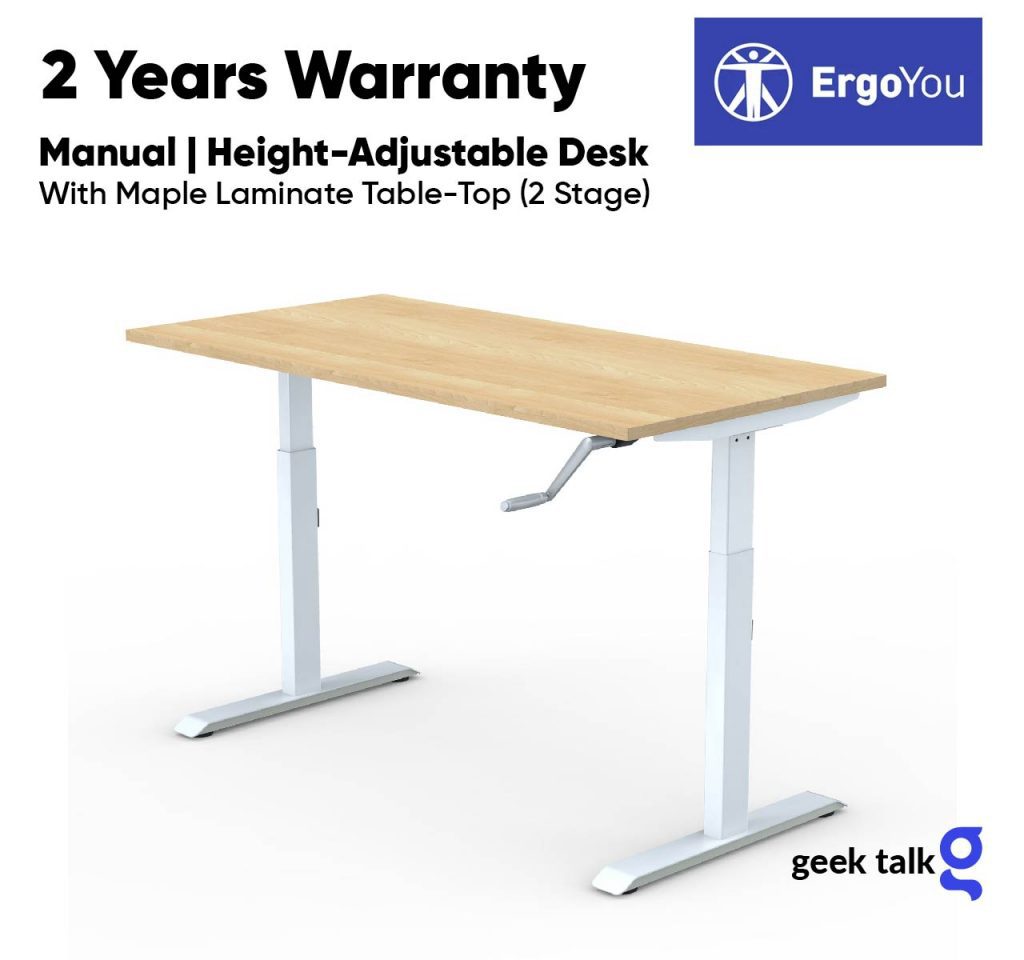
Manual | Height-Adjustable Desk with Maple Laminate Table-Top (2 Stage)
- 2 Years Warranty
- Height Adjustable with Smooth Lever
- Comes with Pre-Laminated Wood Table Top, 25mm thick
- Easy To Assemble
- ErgoYou is the e-commerce division of Innofitt Systems Pvt. Ltd
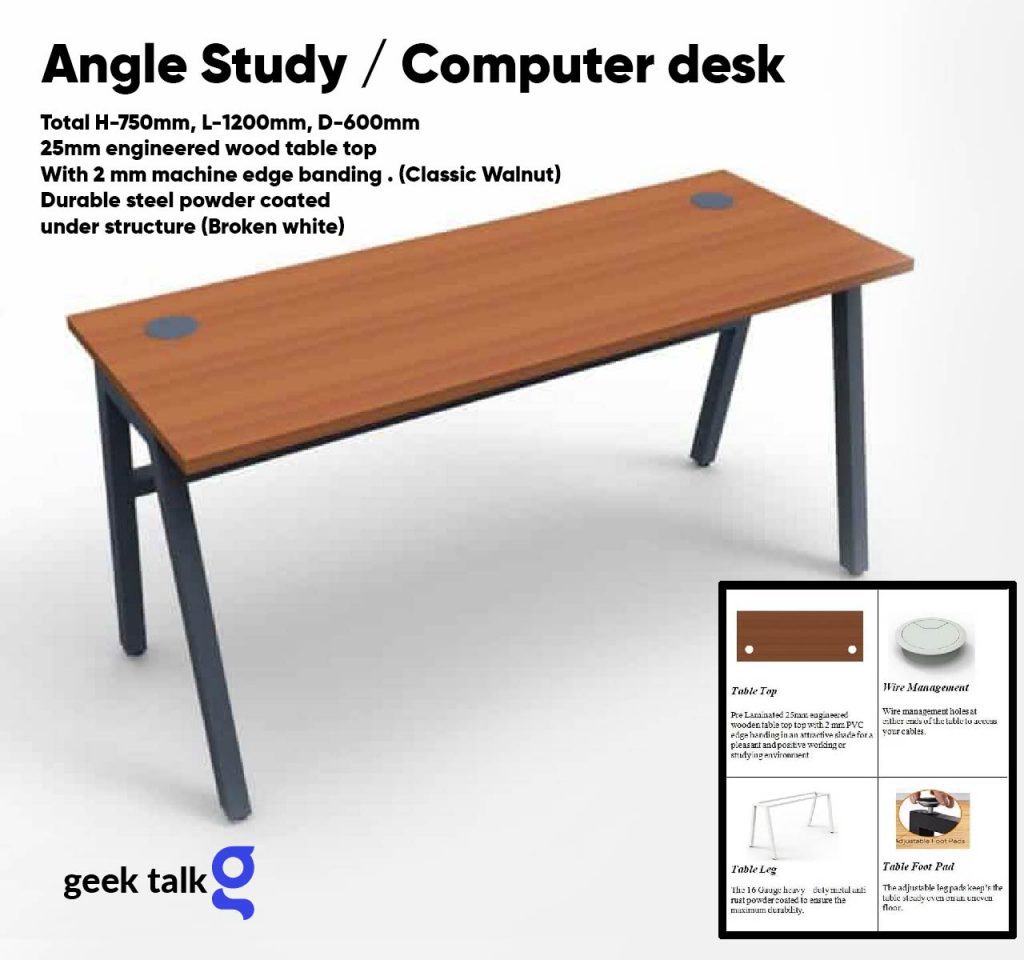
- Total H 750mm, L 1200mm, D 600mm
- 25mm engineered wood table top
- Durable steel powder coated under structure (Broken white)
- Two Wire management holes at either ends of the table to access your cables.
- Angle Study / computer desk is 4 feet long and features powder coated metal legs with woodgrain finish table top that easily compliments the corporate or home office.
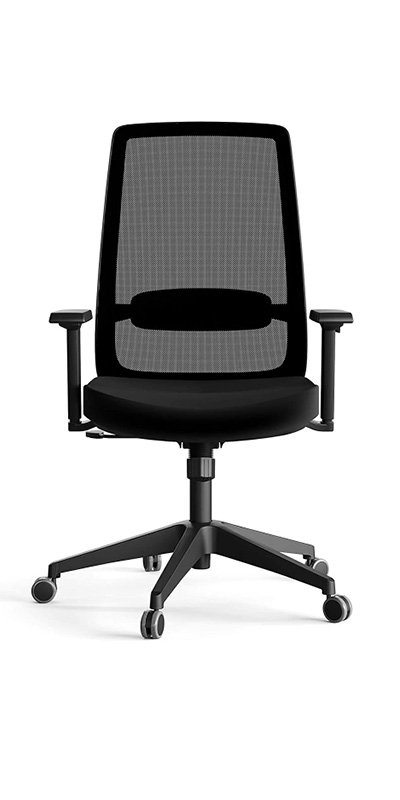
Once you have the desk, the next main thing comes to mind is a good ergonomic chair for those long hours of sitting. When we look for a comfortable chair, main points we look are Ergonomics, Comfort, Durability and Design.
2. ERGONOMIC CHAIR
CLICK TO VIEW IN FULLSCREEN
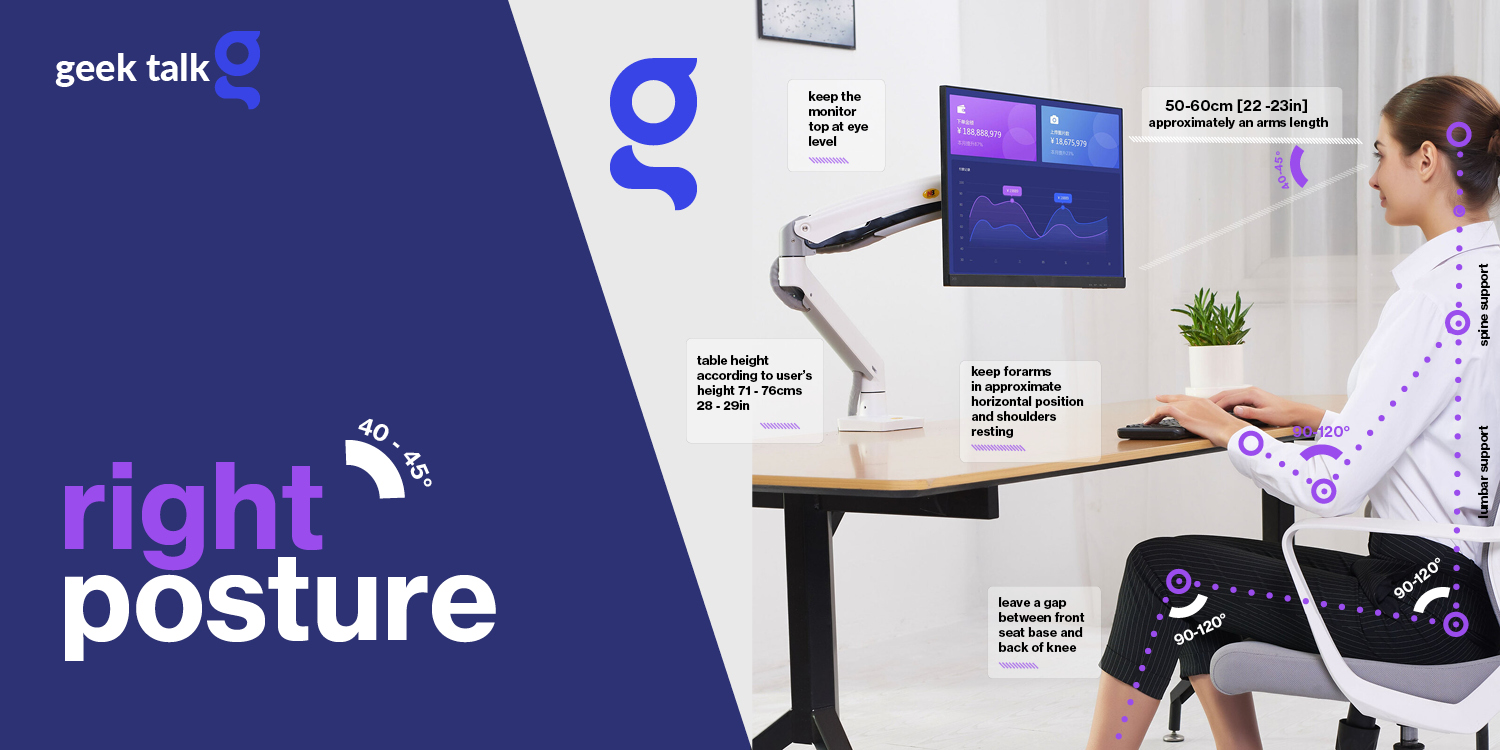
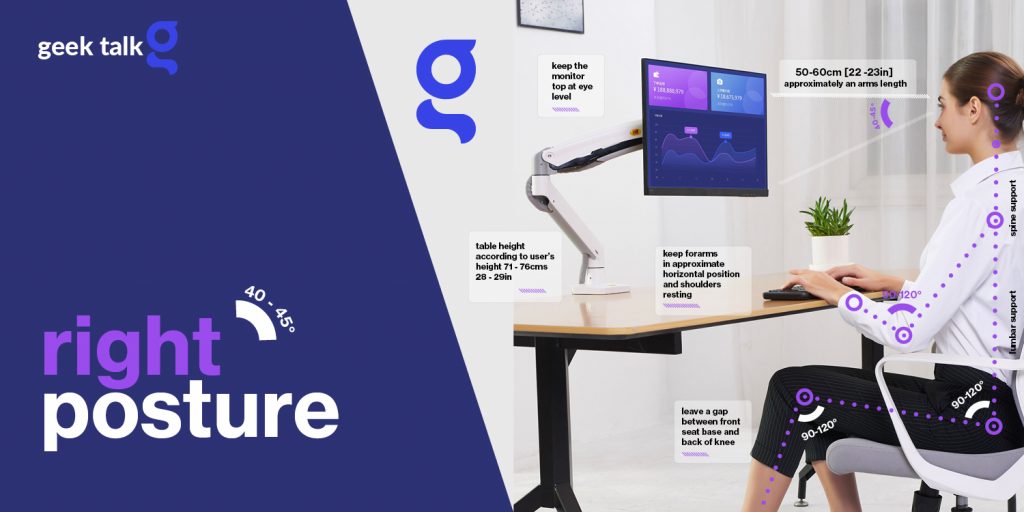
It is very important to follow a good posture while working on your computer, this will help you to avoid developing any issues due to long term use of computers. A wrong posture can be the main cause of back pain, neck main, pain in legs, abdominal pain, carpal tunnel syndrome (CTS) and long term spinal injury. Prolonged sitting can cause a range of adverse health effects, including bad posture and back health.
So What is Good/Right Posture?
Good/Right posture means that the key parts of a person’s body are correctly aligned and supported by the right amount of muscle tension.
Whether you use a Laptop or Desktop to do the work, a person can improve posture and achieve a proper sitting position by following the below points, the above illustration gives you an idea how, one should be sitting while working on a Computer,
- Sitting up straight and looking forward without straining the neck
- Keeping the back against the chair, or using a backrest or cushion if there are places
- Maintaining a small gap between the back of the knees and the chair
- Positioning knees at the same height or slightly lower than the hips
- Your computer monitor should be about an arm’s length away with your screen at eye level or slightly lower
- Relaxing the shoulders
- Your keyboard should be flat for the best wrist positioning and at just below elbow level
- Be mindful of how you’re typing, too. Wrists can easily get overworked, which can lead to issues like carpal tunnel.
- Avoiding sitting for long periods at a time, ideally taking at least a 10-20-minute break for every hour of sitting
An ergonomic chair plays a major role in working with right posture, is considered the following points are important, while choosing one.
The ergonomic chair is full of comfort and adjustable features that allow workers in an office to maintain the right posture while being productive on the job. Some of the functions which most ergonomic chairs provides are,
- Adjustable Seat height
- Reclinable Backrest
- Backrest Lumbar Support
- Headrest
- Swivel Function
- Seat Tilt Option
- Suitable seat width and dept
- Armrests
- Wheels
- Build Quality/Materials
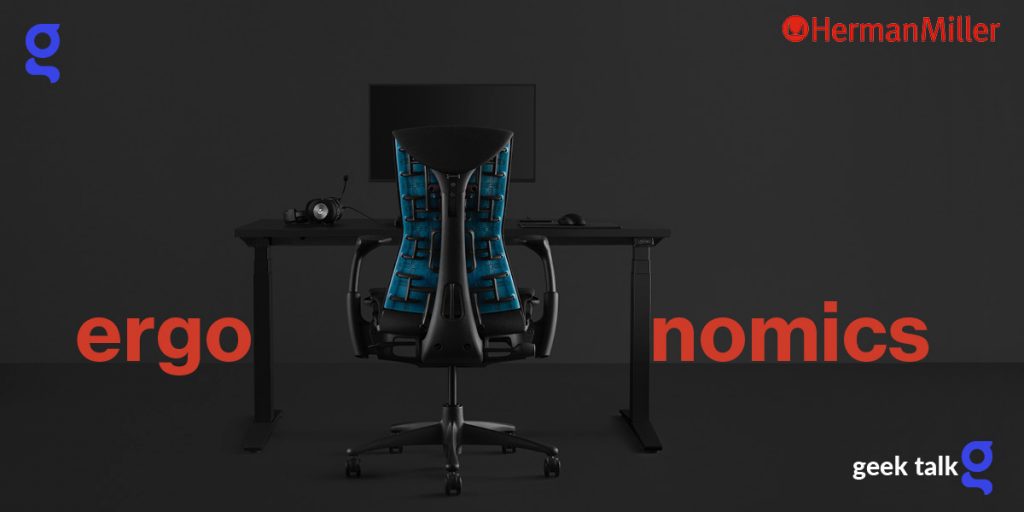
Herman Miller , Steelcase, Urban Office, HNI Corporation, Haworth, Knoll Inc, LA-Z-Boy (Full List here) are some of the top end manufacturers of Global Furniture and accessories for Offices. All have a good number of ergonomic range to select from, Herman Miller being one of the dream chair/desk setup for many. Illustrated below is a Herman Miller / Logitech Collaborative work for a dark themed setup matching desk/chair. The chair (Herman Miller x Logitech G Embody Gaming Chair) alone costs $ 1995.00. Steelcase Gesture Series ergonomic chair video below illustrates the functions.
Some of the models which can be selected in the medium category for home / office setup is described here,
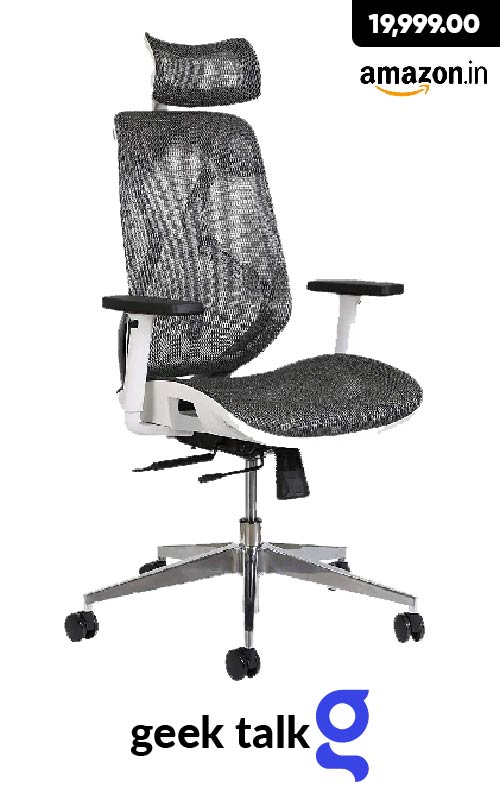
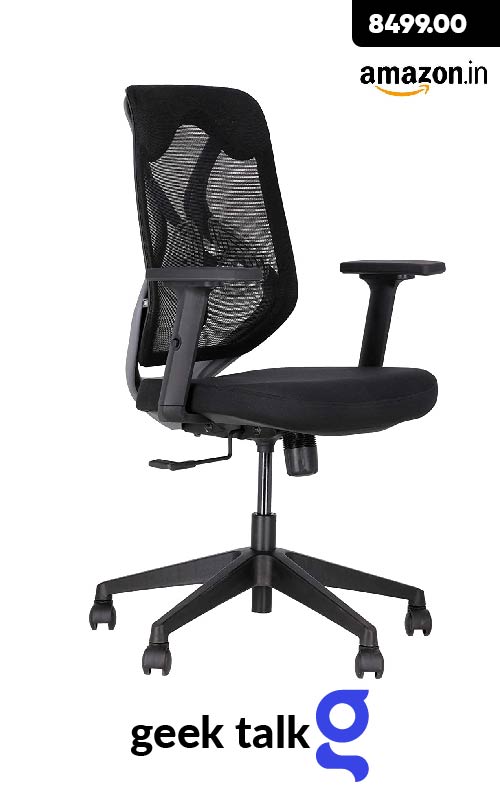
- Seven Functions – You can adjust the lumbar support height; the armrest height; the seat height; the seat depth; the headrest height and angle; the backrest tilt; and the tilt tension
- Breathable Mesh
- Easy To Install Simple DIY
- Lumbar Support Have back issues or don’t want to develop them This adjustable office chair includes adjustable lumbar support and a recline feature that allows you to tilt the backrest or sit straight.
- Highest Quality – It has a good weight capacity of upto 140kgs and is made from the highest quality materials; including a nylon mesh seat and back; sturdy arm with soft nylon pad; adjustable head rests; diecast aluminum base and heavy duty caster wheels that allow you to move easily across carpeted and hard floor
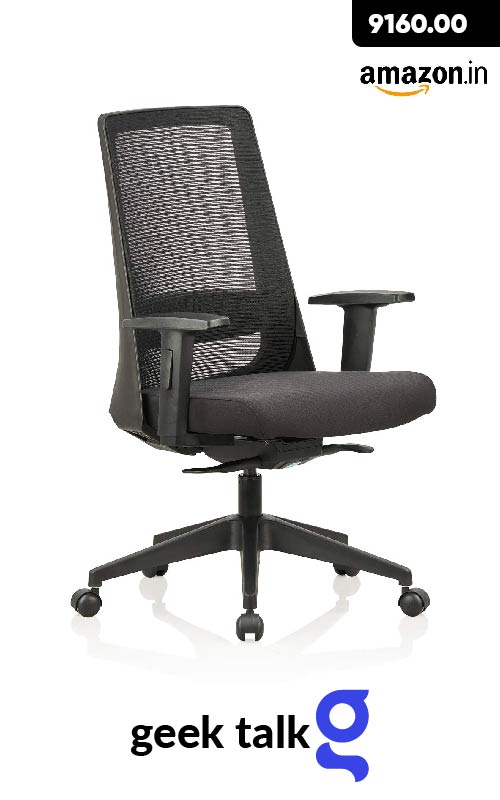
Featherlite Amaze Project Medium Back Arm Chair (Black)
- Primary Material: Mesh, Upholstery Material: Fabric
- Color: Black, Style: Mid Back
- Assembly Required: The product requires basic assembly and comes with assembly instructions
- Warranty: 3 year warranty against manufacturing defect’s
- Self calibrating multilock mechanism tested as per BIFMA standards
- Duly upholstered seat with approved fabric for maximum comfort, mesh back for breathability, with tension control below seat for reclining
- Easy do it yourself assembly with instruction manual
- Maximum weight handling capacity while seating in a reclined position is between 120 to 150 kg
JD9 Medium Back Breathable Mesh Ergonomic Chair (Black, Grey)
- Adjustable Lumbar Support : Height adjustable Lumbar support system to provide adequate lower back support.
- 2D Armrest adjustment: ARM HEIGHT adjustments that allow your elbows and forearms to be supported by the arm rests.
- Mesh Material: The mesh material used in back is Nylon for its extra ability to stretch and thick wire finish to provide toughness.
- Frame Material : Nylon + Glass fiber frame which offers exceptional toughness to the product, Chair Base : 5 prong nylon base with Nylon Castors, Hydraulic : Heavy duty gas lift for seat height adjustment bearing capacity 120kgs.
- Easy Assembly : The product needs Complete D I Y
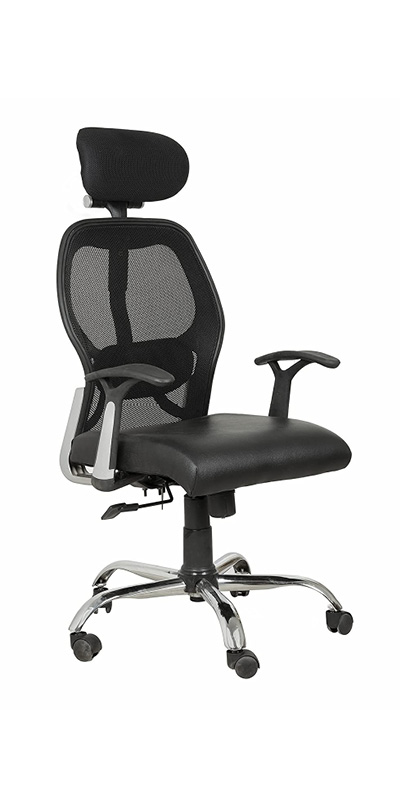
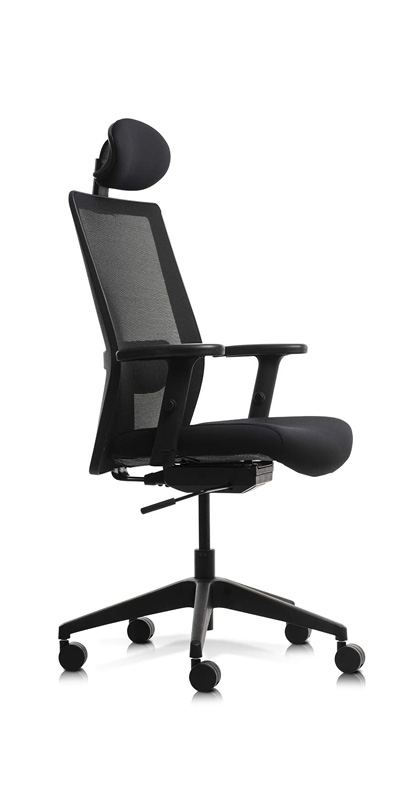
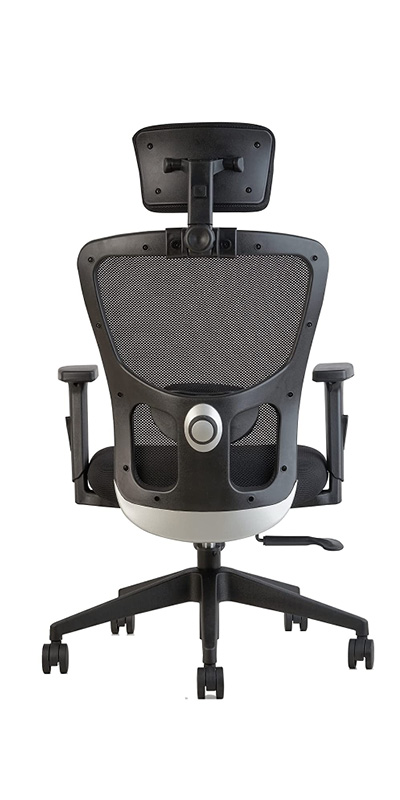
Some other models worth mentioning too,
3. EXTERNAL MONITOR
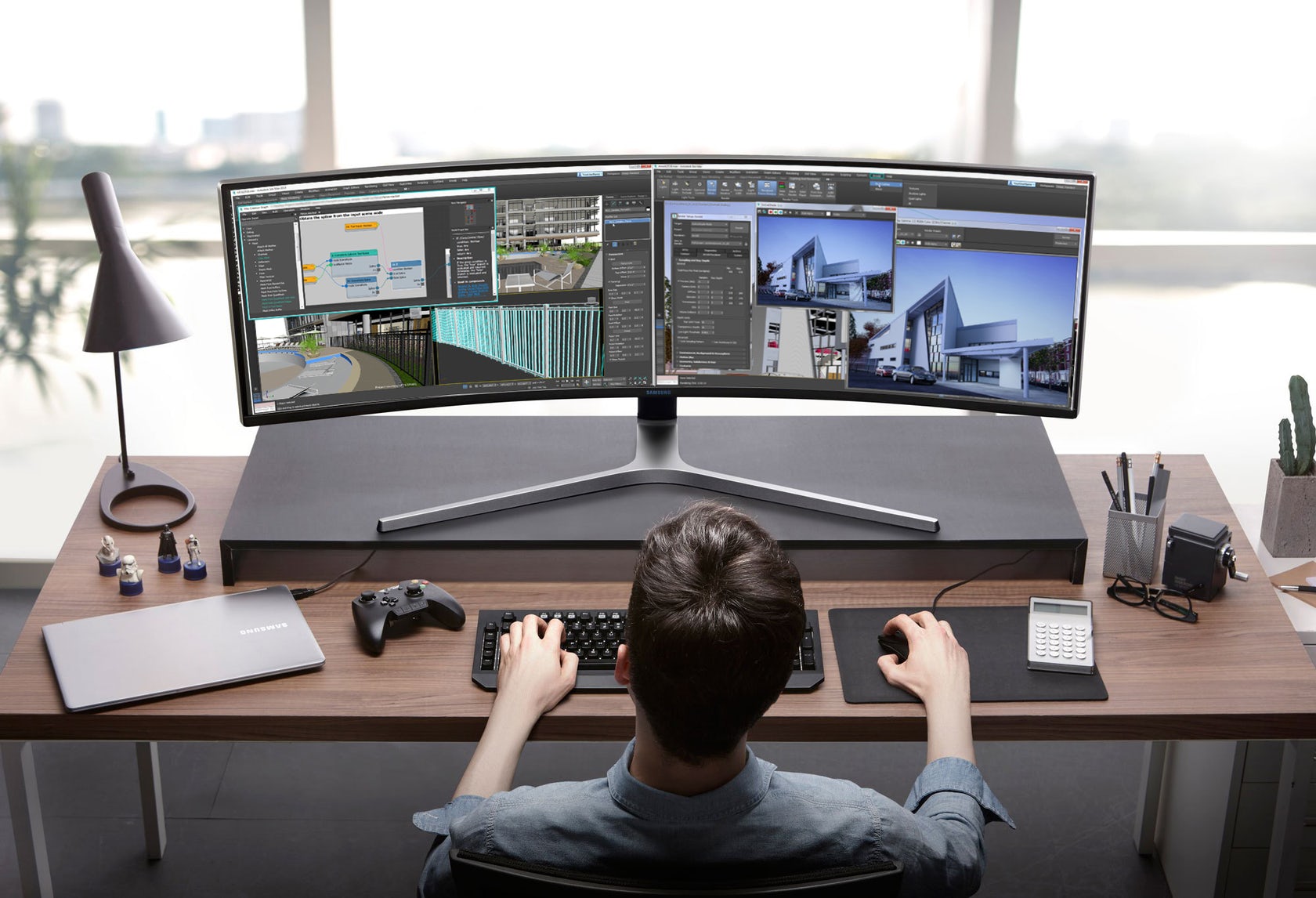
Adding a single monitor or dual monitor can improve your productivity, Microsoft’s Research Center’s findings indicate that users can improve productivity by 9% to 50% by adding another monitor to their computing environment (depending on the type of task). Other studies cited in the New York Times suggest 20 to 30 percent productivity boosts. No matter whether single or dual adding a larger screen will help you to work on the computer more easier. Some advantages,
- View documents side-by-side for comparison, research, or cutting-and-pasting.
- Switch between applications more quickly
- With streamlines access to information, one screen can be dedicated to all incoming communication and other for your daily tasks.
How To Pick The Right Monitor For Your Needs?
Selecting a Good External display depends on your needs and budget, if you are one who does lots of coding then a large sized 27-32″ screen which can be tilted and kept on vertical position on a vesa mount can help you in your programming work flow. Imagine a person who does lots of video editing work, a monitor of 32 – 34″ with 4K resolution or higher and great colour accuracy can help to be more productive. You can prioritise and make your purchase decision according to what domain you work on. Things to note while purchasing a monitor,
- Size – Always go for the best fit, you can get very thin monitors from 27″ and above Bigger monitors give you more usable space to work without minimising or close windows, making your work more efficient.
- Resolution according to your need, better to select 2K (2,048 x 1,080 pixels) or higher screen, possible a 4K Screen (3840 x 2160 pixels). Higher resolutions allow you to display more information on the monitor, and higher resolutions are sharper.
- Type of Panel – For image quality, TN < IPS < VA – TN monitors are the fastest but cheapest, due to poorer image quality when viewing from a side angle. IPS monitors have slightly faster response times and show colour better than VA panels, but VA monitors have the best contrast out of all three panel types.
- HDR (High Dynamic Range) Support – HDR technology ups the color intensity and contrast of your images to a brilliant degree.
- Refresh rates : bigger is better. This tells you the number of times your monitor updates with new information per second and is measured in hertz (Hz).
- Height Adjustment – If you are not going to use a vesa mount and you need vertical adjustment, height adjustable models are always best.
- Ports and connectivity – Always make sure the required ports are available with your selected model, if you use a Mac it always advisable to see Type C Port is available, DVI and HDMI Ports and the latest specifications will help you for better display compatibility.
- Color Support/ Accuracy – If you are into Graphics, Designing, Video content creation or editing colour accuracy is one of the key points to note Wider gamuts such as Rec.2020, Adobe RGB, and DCI-P3 provide exponentially finer colour detail than older standards like sRGB / Rec.709. Go for 10-bit colour to maximize dynamic range, especially when working with log gamma footage. The deeper colour depths provide more detail to manipulate to your liking in post-production.
- Consider a curved monitor. Curved monitors are supposed to make your experience more immersive with a large field of view and are said to be less eye-straining.
Suggested here are some of the 27 – 32″ models,
32″ 4K UHD (3840 x 2160) Daily Use
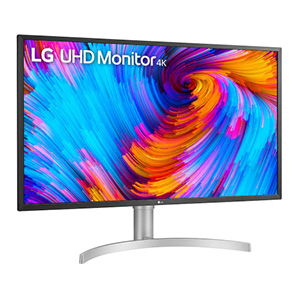
LG 32 inch 4K-UHD (3840 x 2160) VESA Display HDR 600 Monitor, DCI-P3 95%, Radeon FreeSync, Inbuilt Speaker (5W x 2), Height/Tilt Adjustable Stand, Display Port – 32UL750 (White) ₹43,999.00
- Type C , HMDI, DVI – Inputs
- HDR 600
- Dynamic Action Sync
- Height Adjustment, Blue Light Filter, Anti-Glare Coating, Wall Mountable, USB Hub
- 4 Milliseconds / Response Time
- Refresh rate / 60Hz
- 3840 x 2160 Pixels
- VA Panel
- Ratio 16:9
- 3 years Warranty
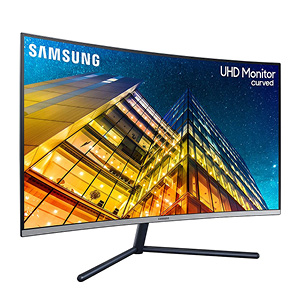
Samsung 32 Inch UHD Sleek Curved Monitor with Three Side Bezel Less & 1 Billion Colors – LU32R590CWWXXL ₹32,199.00
- Curved 32″ UHD (4k) Monitor with complete immersion in true detail with 1500 R
- Refresh Rate: 60 Hz, Response Time: 4(GTG) ms
- UHD upscaling technology includes signal analysis and detail enhancement
- Picture-by-Picture (PBP) – connect two different devices to the monitor and view input from both simultaneously side-by-side
- 36 month warranty
- Ratio 16:9
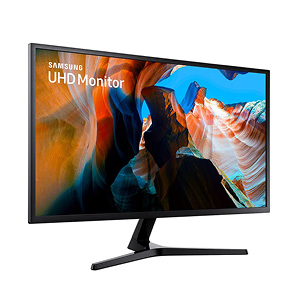
Samsung 32-inch (80.01cm) Flat UHD Monitor with 178 Degree Viewing Angle – LU32J590UQWXXL ₹29,999.00
- 32-inch UHD monitor with 1 billion colors. Wider workspace and life-like detail with UHD resolution. 3840 x 2160 (4K UHD)
- Refresh Rate – 60 Hz,
- Response Time: 4(GTG) ms
- Ultrawide Screen, Wall Mountable, Tilt Adjustment
- Samsung’s UHD upscaling technology includes signal analysis and detail enhancement
- 36 month warranty
- Ratio 16:9
32″ 2K QHD (2560 x 1440) High Refresh
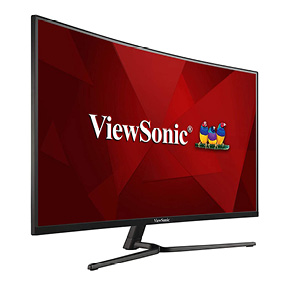
ViewSonic VX3258-2KPC-MHD (32 Inch) WQHD 1440p, 1ms LED Frameless Curved Gaming Monitor ₹29,539.00
- HDMI & Display Port
- Refresh Rate 144Hz, Premium Eye Care
- Flicker-Free and Blue Light Filter
- 1800R curved viewing experience
- Rapid Response Time-ms MPRT response time
- 2x HDMI & 2xDisplay Port
- Brightness – 300 cd/m2
- Aspect Ratio 16:9
- Internal Speaker – 2.5Wx2
- 3 year Warranty
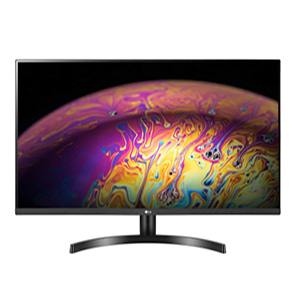
LG QHD (2560 x 1440) 32 Inch IPS Display 3 Side Borderless – HDR 10, sRGB 99%, AMD Free sync – Dual HDMI, Display Port – 32QN600 ₹24,999.00
- 32 inch QHD (2560 x 1440) Resolution IPS Monitor with HDR 10
- Colour Calibrated sRGB 99% – 350 Nits Brightness, 1 Billion Colours
- Ports:Display Port 1.4, Dual HDMI , Headphone Out, Audio In
- AMD Freesync, Black Stabiliser, Dynamic Action Sync, 75Hz Refresh Rate
- Display IPS -LCD
- 5 Milliseconds Response Time
- Warranty – 3 Year
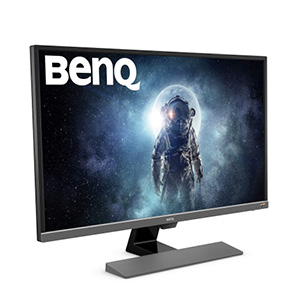
BenQ 31.5 inch(80.01 cm) Gaming Monitor – Eye Care Technology, 4K, HDR – EW3270U (Black)
- 31.5 inch 4k high resolution 3840 x 2160 (4K UHD)
- High dynamic range (HDR)
- 95 percent dci-p3 wide colour gamut
- One cable for multi platform connectivity
- 4 milliseconds Response Time
- High Refresh Rate – 76Hz
- AMD free sync for intense gaming
- Video enjoyment monitor with eye care technology
- Warranty 3 yrs
27-28″ 4K QHD (3840 x 2160)
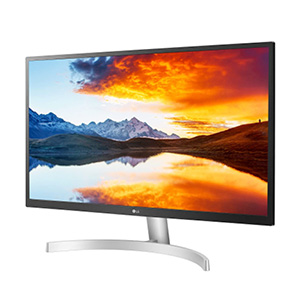
LG 27 inch 4K-UHD (3840 x 2160) HDR 10 Monitor (Gaming & Design) with IPS Panel, HDMI x 2, Display Port, AMD Freesync – 27UL500 (Silver Stand with White Body) ₹28,990.00
- 27″ 4K UHD (3840 x 2160) Resolution with HDR 10
- IPS Screen with 178/178 deg viewing angle with 300 nits brightness
- Colour Calibrated Display with sRGB 99% and 1.07 Billion Colour
- Radeon Freesync – Gaming Features – DAS Mode and Black Stabiliser
- Connectivity: HDMI x 2 , Display Port & Headphone out
- VESA Wall Mount 100 x 100
- HDCP 2.2 for Displaying 4K Content from Streaming Service & Game Console
- 3 Year Warranty
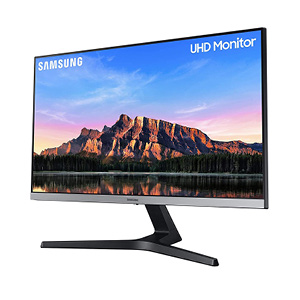
Samsung 28 inch (70.8 cm) 4K UHD Monitor with Bezel Less Design and IPS Display Panel (Dark Blue Gray) – LU28R550UQWXXL ₹27,899.00
- 28″ UHD monitor with bezel-less design
- AMD Freesync
- Incredibly slim and sleek design
- Refresh Rate: 60 Hz
- Response Time: 4 ms
- Viewing Angle: 178 degree horizontal 178 degree vertical
- Flicker Free Technology : Yes
- Display Type – LED
- 3 Year Warranty
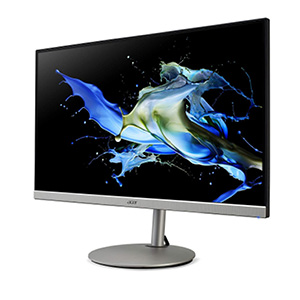
Acer CB282K 28 Inch UHD 4K (3840 x 2160) IPS Zero Frame Eye Care Monitor with AMD Radeon FreeSync, 4ms, 90% DCI-P3, Height Adjustable Stand with Tilt & Pivot ₹27,999.00
- 28″ 4K UHD (3840 x 2160) Widescreen IPS Zero Frame Design Display with AMD Radeon FreeSync Technology
- 90% DCI-P3 wide colour gamut I HDR 10 Supported Technology
- 300 Nits Brightness
- Connectivity Ports: 1 x Display Port, 2 x HDMI 2.0
- 5 to 35 degree tilted angle for the comfortable viewing
- BlueLightShield PRO & Flickerless technology to reduce fatigue
- Low dimming technology I Acer ComfyView Display
- Flexible adjustment with tilt, swivel, height and pivot I Robust stand design with strong stability I VESA Wall Mount Support
- TCO, Energy Star certification I Integrated Stereo Speakers
4. ERGONOMIC KEYBOARD & MOUSE
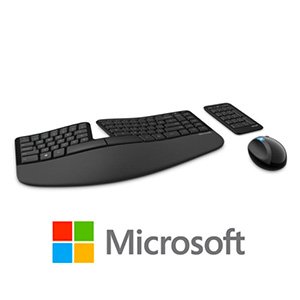
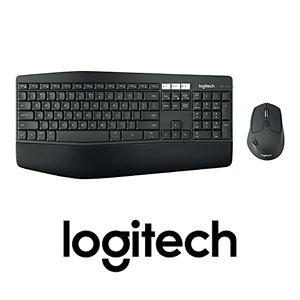
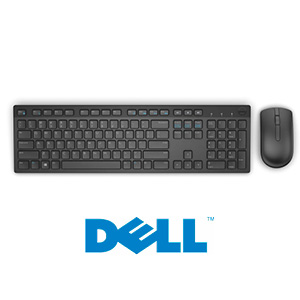
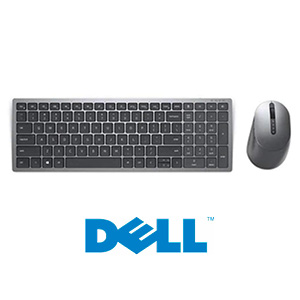
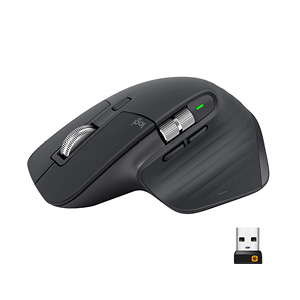
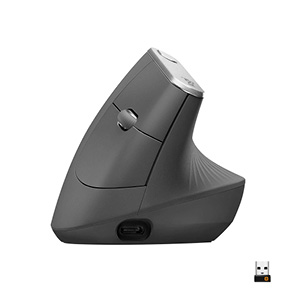
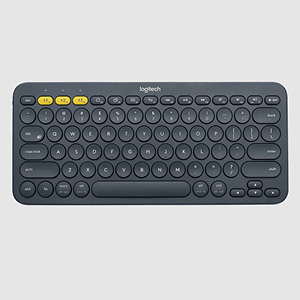
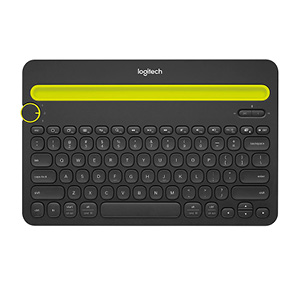
Having the right mouse and keyboard helps your workflow to a greater extend, for example if you have to type or write more, it is always advisable to invest in an ergonomic keyboard and mouse according to your comfort. Using a vertical mouse is always advised along with a nicely laid out spacious keyboard. Having a wireless keyboard and mouse can be helpful in many scenarios, such as fast typing, easy switching, nowadays there is lots of options in this segment. Some of the best combo models
Microsoft, Logitech, Dell all have good options

₹18,997.00
₹6,450.00
₹2,099.00
Highly Recommend ⭐
Highly Recommend ⭐
Recent posts




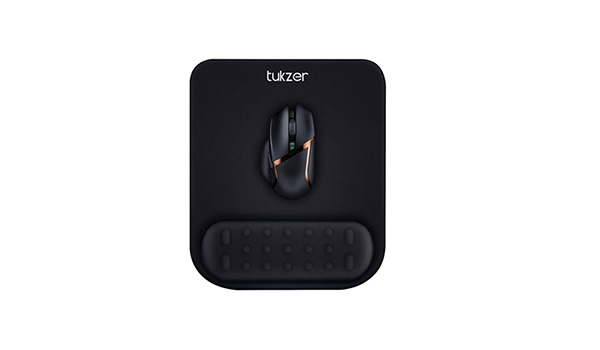
Along with a great mouse and keyboard it is always good to have a large mouse pad/mat and a comfortable mouse pad (with palm support),there seems less good quality items compared to some of the Xiaomi mouse pads I have used. Most important thing to consider here is the softness/comfort/edges/thickness and overall usability. I always prefer 900mmx400mm size so that I can accomodate, both Laptop and Keyboard. Some have smell to it and most will not like such ones. A memory foam mouse pad (small) will be helpful to rest your palm while using mouse extensively.
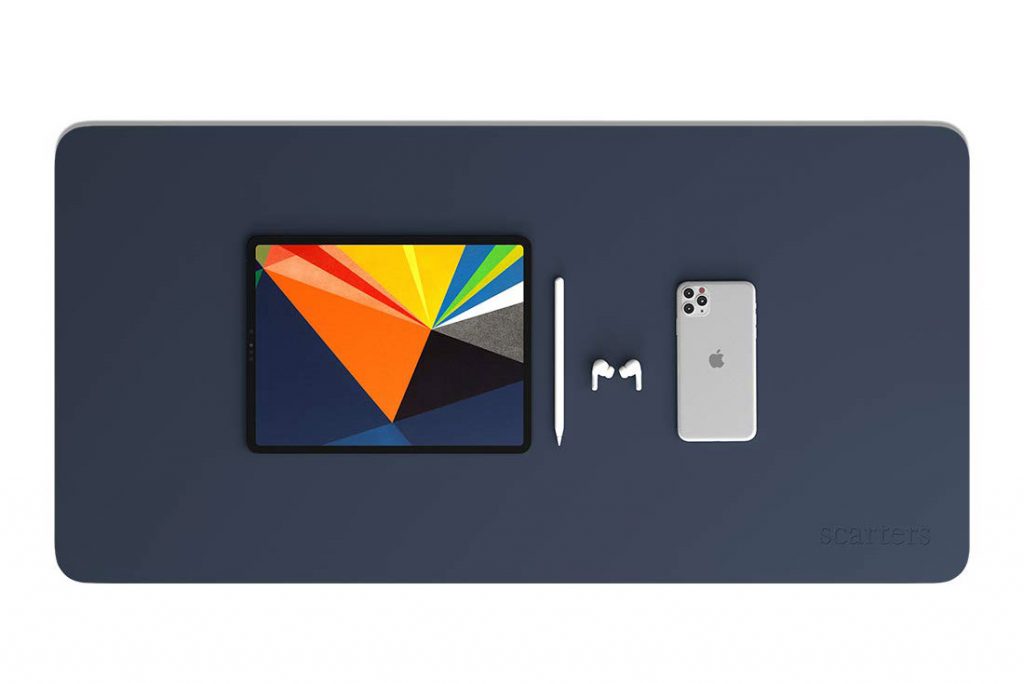
- Scarters Extended Mouse Pad/Desk Mat for Work from Home/Office/Gaming 90 cm X 45 cm Reversible ₹999.00
- RiaTech Extra Large Size (900mm x 400mm x 3mm) Mouse Pad ₹599.00
- AmazonBasics Extended Gaming Mouse Pad,Black (920 by 300 by 3 mm) ₹849.00
- Storin Large Size (600mm x 300mm) Extended Mouse Pad ₹320.00
WebCamera & Headset
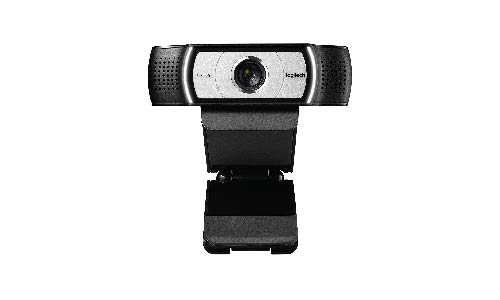
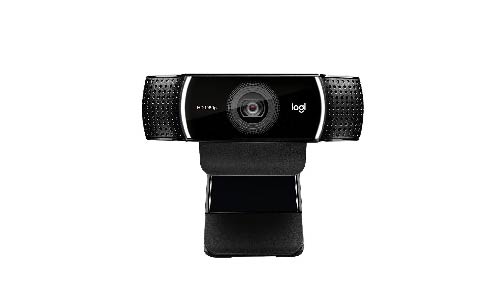
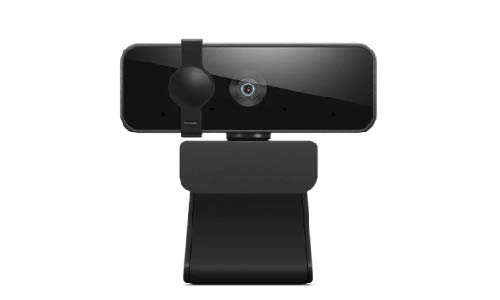
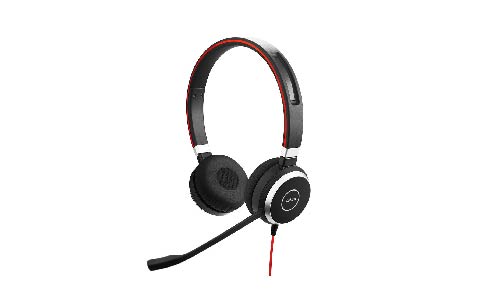
Having a good webcam(FullHD) for office Meetings or conferences help to a greater extend for clear communication, you can either use builtin microphone or use external ones if you have. Some Webcam models & headsets,
- Logitech C930-E Business Webcam, Full HD 1080p/30fps Video Calling, Light Correction, Autofocus, 4X Zoom, Privacy Shade, Works with Skype Business, WebEx, Lync, Cisco, PC/Mac/Laptop/MacBook/Chrome ₹11,225.00
- Logitech C920 HD Pro Webcam, Full HD 1080p/30fps Video Calling, Clear Stereo Audio, HD Light Correction, Works with Skype, Zoom, FaceTime, Hangouts, PC/Mac/Laptop/MacBook/Tablet – Black ₹10,919.00
- Lenovo™ 300 FHD Webcam with Full Stereo Dual Built-in mics | FHD 1080P 2.1 Megapixel CMOS Camera |Ultra-Wide 95° Lens | 360° Rotation | Flexible Mount (GXC1B34793) ₹2,649.00
- Logitech C615 Portable Webcam, Full HD 1080p/30fps, Widescreen HD Video Calling, Foldable, HD Light Correction, Autofocus, Noise Reduction ₹5,499.00
- Logitech C925e B2B Webcam
- Jabra Evolve 40 UC Over Ear Stereo wired Heaset with Mic ₹12,440.00
- Logitech H340 Wired USB Business Headset ₹2,540.00
- Sennheiser PC 8 USB On-Ear Stereo Headset With In-Line Volume, Mute Control, & Microphone – Noise-Cancellation ₹2,980.00
- Sennheiser HD 250BT On Ear Wireless Headphone (Black) ₹4,749.00
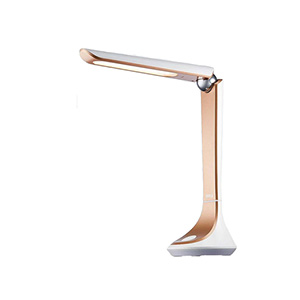
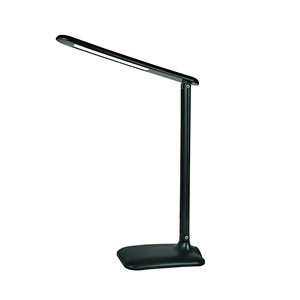
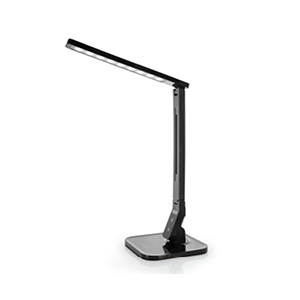
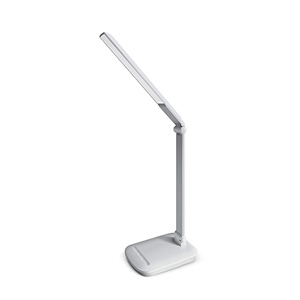
DESK LAMPS
POWER EXTENSION WITH USB
When you are setting up a new desk or just getting some upgrade to existing setup, consider getting a good power extension which can reduce the clutter in your desk. Consider the number of power points required for the setup like, monitor, laptop, mobile phones, speakers and other accessories. It is always suggested to opt for a built in USB high power (3amp+) supported with Quick Charge. Having 3-4 USB ports at your desk will help to look for a charger when you need to charge your mobile, bluetooth devices, smart watch, desk lamp or any USB charger needed devices.
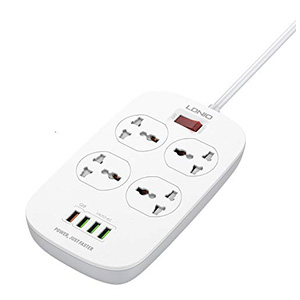
At least look for 10Amp support on power extension and number of ports not less than 3. always make sure ground line is supported and there is enough gap between the ports, so that you can plug 2 or more power heads. If the ports are positioned in different directions, it is better so that you can use the different sized power head plugs according to the fit. 2 meters or longer cables are suggested when purchasing, as this will help if you move your desk to another area, where power sockets are further away from your desk. Below mentioned LDNIO brand has been used by me for almost 4 years, in 2 different models and I highly recommend it for its quality and also for its thick/ strong cables. If you have option to get individual switches for each power point, it is an added advantage, but I have seen this in very less models.
Highly Recommend ⭐
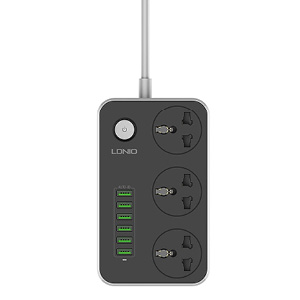
₹1,100.00
Highly Recommend ⭐
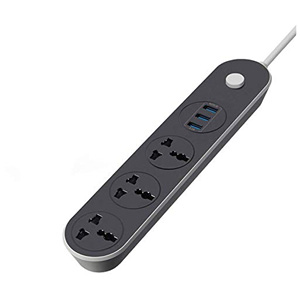
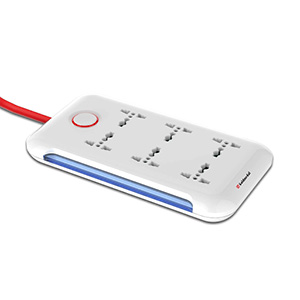
Highly Recommend ⭐
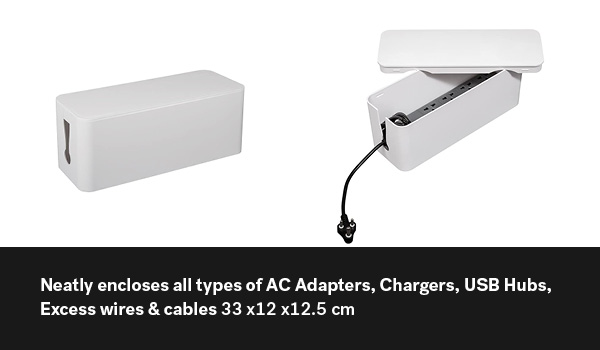
Tidy Up! Wire Bin (White) – Cable Manager to hide cables. 2 Colours ₹799.00
Highly Recommend ⭐
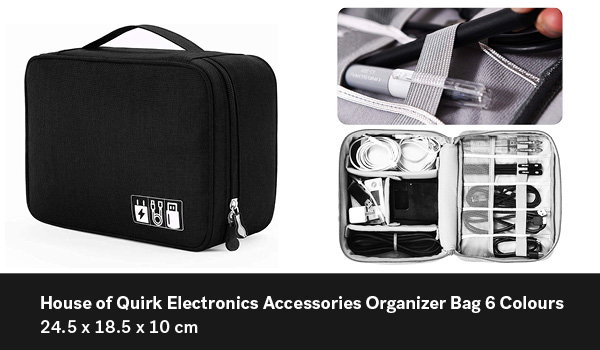
House of Quirk Electronics Accessories Organizer Bag, Universal Carry Travel Gadget Bag for Cables, Plug and More ₹499.00
Highly Recommend ⭐
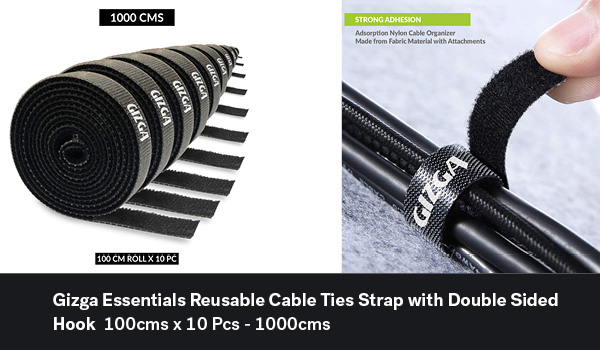
Gizga Essentials Reusable Cable Ties Strap with Double Sided Hook & Loop Wire Organizer (1000 Cms) ₹319.00
Highly Recommend ⭐
These things will help you to be more productive and organised, selection is according to your need and also budget, quality comes with price. Thank you for staying till this end of a long article. We hope this helps you in your purchase decisions and to find more to improvise your daily work flow. Please let us know your comments on the survey or drop us message https://m.me/geektalk.me